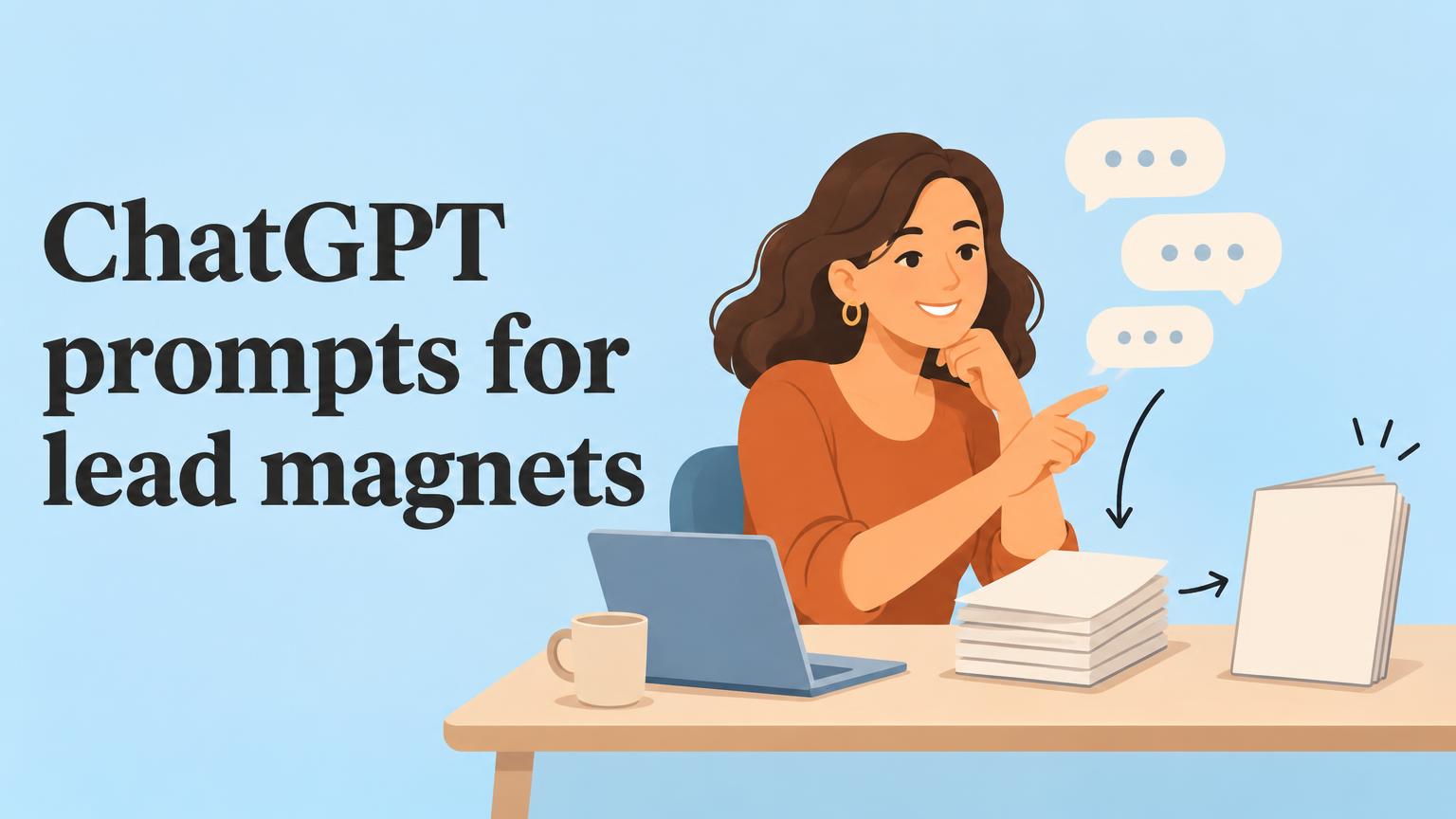
You asked ChatGPT for "a free PDF guide for my readers", got a tidy page of advice, pasted it into a document and put it behind a signup form. Almost nobody signed up. The problem is rarely ChatGPT. It is that one answer to one vague prompt is not a lead magnet: it has no clear promise, none of your experience in it, and nothing that makes a reader trade an email address for it.
This guide gives you seven copy-paste prompts, one per stage, from finding the idea in your own top posts to the delivery email and a short follow-up sequence. Then it explains why raw output fails, how to fix each failure, and what to do when you want a whole structured PDF built from your notes instead of stitched together from many chats.
We make TextBuilder, the AI book writer mentioned in the PDF step. Everything about ChatGPT comes from OpenAI's own help center, pricing and terms pages, read on November 28, 2026, and linked at the end. OpenAI did not pay for this article.
Short answer
- Method: run seven prompts in order (idea, format, title, outline, sections, opt-in page, emails) and feed your own examples into every section prompt.
- Plan: the Free plan is enough for the prompts. Go is $8 a month and Plus $20 a month (billed monthly only), with more uploads and a larger context window.
- Time: roughly an afternoon for a checklist, a weekend for a 10 to 15 page guide. Most of it goes into adding your examples and checking facts.
- Cost: $0 with ChatGPT Free plus Google Docs or Canva. TextBuilder Lite, $59 once, if you want the whole PDF built from your notes.
What you need before you start
- A ChatGPT account. Free works.
- A list of your 10 most visited posts and the questions readers send you most often.
- Your own material: notes, client stories, real numbers, the mistakes you made.
- A place to build the PDF: Google Docs, Canva, or TextBuilder.
- An email platform that sends the file to new subscribers (see "Where to deliver it" below).
One setup step saves a lot of copying. Create a project: in the sidebar, hover over Projects and select +, name it, then Create project. OpenAI describes projects as a way to keep related chats, files and instructions together, and chats in a project can reference each other. The Free plan allows 5 project files, Go and Plus 25. Put your outline and style rules in the project instructions once you have them.
A lead magnet is a free resource you give in exchange for an email address. It earns that address when it is specific (one problem, one reader), gives a fast win (something done in under 30 minutes), matches what your blog is about, and stays short: 5 to 20 pages is plenty. The prompts below are built around those four tests.
Prompt 1: Find the idea in your top posts
You are helping me choose one lead magnet for my blog.

My blog is about [TOPIC] for [READER: who they are, what stage they are at].
My 10 most visited posts (title, then what the reader was trying to do):
1. [POST TITLE]: [WHAT THE READER WANTED]
2. [POST TITLE]: [WHAT THE READER WANTED]
...
Questions readers ask me most:
- [QUESTION]
- [QUESTION]

1. Group the posts and questions into 3 to 5 problems readers keep coming back to.
2. For each problem, suggest 2 lead magnets that solve one small part of it in under 30 minutes.
3. Score each idea 1 to 5 for: how urgent the problem is, how fast the reader gets a result, how naturally it leads to [WHAT YOU SELL OR RECOMMEND].
4. Recommend one idea in 3 sentences.
Ask me up to 3 questions first if anything is unclear. Do not invent statistics.
Tip: paste real titles from your analytics as text. The Free plan limits uploads (OpenAI lists 3 a day), and the third score is the one most people skip.
Prompt 2: Pick the format
My lead magnet idea: [IDEA FROM PROMPT 1].
Reader: [READER]. They will mostly read it on [PHONE / LAPTOP / PRINTED].

Compare these formats for this idea: checklist, cheat sheet, mini guide (5 to 15 pages), workbook with exercises, swipe file (ready-to-copy examples), template.
For each, tell me: what the reader gets in the first 5 minutes, how many pages it needs, what I must supply from my own experience, and one risk.
Then pick the best format and say what makes it worth an email address rather than a blog post.
Tip: if a normal blog post could do the same job, the format is wrong. Checklists, templates and swipe files win when the reader needs to act today.
Prompt 3: Title and promise
Write 10 title options for a [FORMAT] about [IDEA] for [READER].
Rules: one specific result per title, a number or time frame only where it is honest, under 60 characters, no hype words (ultimate, secret, hack).
For the 3 strongest titles also write:
- a promise in this pattern: "In [TIME], you will [RESULT] without [COMMON PAIN]."
- a subtitle under 15 words.
Tip: read the promise out loud. If the PDF cannot keep it, make the promise smaller.
Prompt 4: The outline
Create the outline for "[TITLE]", a [FORMAT] of about [NUMBER] pages for [READER].
Promise: [PROMISE].

For each section give: the title, the one thing the reader can do after it, what goes in it (steps, table, example, checklist or fill-in exercise) and a word target.
Word targets must add up to [TOTAL WORDS].
Give the reader a first quick win by page 2.
End with a one-page "next step" that points to [YOUR OFFER OR NEWSLETTER].
Add a separate list of every fact or number I will need to check.
Tip: once you are happy with it, paste the outline into your project instructions. Every later chat starts from the same plan.
Prompt 5: Draft each section with your own examples
Full outline of my lead magnet:
[PASTE OUTLINE]

Already written, one line each, so you do not repeat them:
- Section 1: [ONE-LINE SUMMARY]
- Section 2: [ONE-LINE SUMMARY]

Write section [NUMBER], "[SECTION TITLE]", about [WORD TARGET] words.
Use my material:
- My example: [A REAL SITUATION FROM YOUR WORK, A CLIENT OR YOUR BLOG]
- My numbers: [YOUR REAL FIGURES, OR "none, do not add any"]
- My opinion: [WHERE YOU DISAGREE WITH THE USUAL ADVICE]
Style: speak to the reader as "you", short sentences, [US / UK] spelling, no warm-up intro, no summary at the end.
Format: ## for headings, numbered lists for steps, one table if it helps.
Do not invent statistics, studies, quotes or product features. Mark anything you are unsure of with [CHECK].
Tip: the "My example" line is what makes the PDF yours. Leave it empty and you get text your reader has already seen elsewhere.
Prompt 6: The opt-in page
Write opt-in page copy for my free [FORMAT] "[TITLE]".
Reader: [READER]. Their problem: [PROBLEM]. Promise: [PROMISE].
What is inside: [3 TO 5 CONCRETE ITEMS FROM THE OUTLINE].

1. Headline (under 12 words) and subheadline (under 20 words), 3 versions.
2. Three bullets, each naming one specific thing inside, not a vague benefit.
3. Button text, 3 versions, each starting with a verb.
4. One line under the form that says what they will get by email and how often, for example: "You get the PDF now and my weekly email. Unsubscribe anytime."
5. A 2-line version for a form at the end of my blog posts.
Do not promise results I cannot guarantee.
Tip: the line under the form is your honest consent line. People who know a newsletter is coming are less likely to mark it as spam.
Prompt 7: Delivery email and 3 follow-ups
Write a delivery email and 3 follow-up emails for my lead magnet "[TITLE]".
I am [NAME] and I write about [TOPIC] at [BLOG OR NEWSLETTER].
The next step I recommend: [YOUR PRODUCT, AFFILIATE TOOL OR PAID TIER] at [PRICE].

Email 1 (right away): the link [PDF LINK], one sentence on where to start inside the PDF, and a request to reply with their biggest question about [TOPIC]. Under 120 words.
Email 2 (day 2): one quick win from section [NUMBER], plus my story: [YOUR STORY].
Email 3 (day 4): the most common mistake with [TOPIC] and how to avoid it.
Email 4 (day 6): [OFFER] as the next step, who it is for and who it is not for, one link [OFFER LINK]. If it is an affiliate link, add a one-line disclosure.
Two subject lines per email, under 45 characters. Plain text, friendly, short.
Tip: keep [PDF LINK] as a placeholder and paste the real link inside your email platform, after you have checked the file opens in a private browser window.
Why a raw ChatGPT PDF does not convert
Every prompt above exists because the shortcut, one big prompt pasted straight into a PDF, fails in predictable ways. OpenAI's own terms name two of them: output "may not be unique", because other users can receive similar output, and you "must evaluate Output for accuracy" before using or sharing it.
| Problem | Why it happens | Fix |
|---|---|---|
| Generic content | With no input from you, the model writes the average advice on the topic, and other users can get very similar text. | Fill the example, numbers and opinion lines in Prompt 5 for every section. |
| No structure across sections | Each answer is written for itself, with no plan for how section 4 builds on section 2. | Outline first (Prompt 4), then paste it into every section chat or the project instructions. |
| Repetition when you stitch chats | A new chat does not know what the last one wrote, so tips and examples come back in new words. | Keep the one-line summaries list in Prompt 5 and work inside one project. |
| One reply is too short for a guide | A single answer is one draft of limited length, and the context window is limited too: on the Free plan, OpenAI lists 27K tokens for GPT Instant, with input up to about 12 pages. | Write section by section to word targets, then join them in your document. |
| No design, no cover | A chat answer is text. A PDF without a cover, headings and spacing looks like a printout, and the opt-in page has nothing to show. | Lay it out in Google Docs or Canva, or use a tool that makes the cover too. |
| Formatting breaks on export | Pasting from a chat can bring stray markdown symbols, flattened tables or uneven headings with it. | Paste, then set headings with your editor's styles and rebuild tables before you export the PDF. |
| Facts not checked | The model can state numbers or tool features with confidence that are out of date or wrong. | Ask for [CHECK] marks, open a primary source for every number, delete what you cannot confirm. |
Notice the pattern: most fixes add your knowledge or a plan the chat does not have. That is also what makes a reader open the second email.
The step up: a whole structured PDF from your notes
Stitching seven chats into one tidy PDF is real work. If you would rather hand over your notes and get the whole document back, TextBuilder is built for that job. The complete outline exists before any writing starts, each section is written to fit it, and a last check runs over the finished text for points that clash or repeat.
- From your own material: upload notes as .docx, .pdf, .md or .txt and the guide is written from them.
- Formats that fit lead magnets: its non-fiction book types include workbook, guided journal, step-by-step how-to and playbook.
- The cost in credits: 1 credit is 1 word and a cover costs 2,500, so a 6,000-word guide with a cover uses about 8,500 of the Lite plan's 50,000 monthly credits. Lite exports PDF.
- Price and paperwork: $59 once for Lite, in 50+ languages, with a Content Rights Certificate. No free plan, a 30-day money-back guarantee instead.
Keep ChatGPT for Prompts 1 to 3 and 6 to 7, where a conversation helps most. Our TextBuilder review for niche bloggers goes deeper, and the plans are on the TextBuilder pricing section.
The free route: ChatGPT plus Google Docs or Canva
- Run Prompts 1 to 5 and paste each finished section into one Google Doc.
- Set headings with the style menu, add a title page, and turn the outline into a table of contents.
- Export: in Google Docs, File, then Download, then choose PDF. Or lay the pages out in Canva and download as PDF Standard, which Canva describes as the option for text and graphics at 96 dpi (PDF Print is for printing).
- Open the PDF on your phone. If a table is unreadable there, turn it into a list.
Some ChatGPT surfaces can now create files themselves: OpenAI's docs describe creating and downloading documents and PDF files in its desktop app and ChatGPT Work. Treat that as a draft too. The design and checking steps stay yours.
Where to deliver it
The PDF is only half a lead magnet. The other half is the email that sends it the moment someone signs up. Pick the guide for your platform:
- Kit incentive email setup and fixes
- Beehiiv lead magnet setup
- Substack PDF workarounds (it has no built-in delivery)
- Systeme.io funnel with a free PDF
Turning subscribers into income
A lead magnet pays when the follow-up emails lead somewhere. Three common destinations:
- Affiliate links: recommend a tool you use, with a clear disclosure. Our guide to affiliate marketing covers the basics.
- Your own product: a paid guide, template pack or course that goes one step further than the freebie.
- A paid newsletter tier: the free PDF shows your style, the paid tier gives the deeper material each week.
A worked example, with every number an assumption rather than a benchmark:
| Step | Assumption | Result after 12 months |
|---|---|---|
| Traffic | 5,000 blog visitors a month | 60,000 visits |
| Signups | 3% of visitors take the PDF | 1,800 subscribers |
| Own product | 2% buy a $29 guide | 36 sales, $1,044 |
| Affiliate | 1% buy a tool paying $30 commission | 18 sales, $540 |
| Paid tier | 3% upgrade at $5 a month | 54 members, $270 a month at year end |
All figures are before platform fees and taxes. Measure your real rates after a month and redo the table. If you sell the PDF itself later, OpenAI's terms say that, as between you and OpenAI, you own the output. Copyright is a separate question, covered in who owns the copyright in an AI-assisted book.
More PDF lead magnet guides
FAQ
What is the best ChatGPT prompt for a lead magnet?
There is no single one. The prompt that matters most is the section prompt with your own example, numbers and opinion in it, because that is what makes the PDF different from what anyone else gets.
Can ChatGPT export a PDF?
OpenAI's docs describe creating and downloading PDF files in the desktop app and ChatGPT Work, and writing blocks in chat have a Copy button and, where available, Download. OpenAI's older canvas help page no longer loads, so check what your own account shows.
Is the free ChatGPT plan enough?
For the prompts, yes. The limits you will feel are uploads (3 a day on Free, per OpenAI) and the smaller context window in long chats. Plus is $20 a month and Pro starts at $100.
Can I sell a lead magnet made with ChatGPT?
OpenAI's terms assign you the output, as between you and OpenAI, and also say similar output can go to other users. Add your own material before you sell it, and check the store's rules on AI content.
How long should a lead magnet be?
Long enough to deliver one result. A checklist can be one or two pages, a mini guide or workbook 5 to 20.
Sources
Read on November 28, 2026:
- ChatGPT plan prices (OpenAI)
- ChatGPT pricing and plan comparison, context windows
- What is ChatGPT Plus? (price, billing)
- Uploading files to ChatGPT (limits)
- Projects in ChatGPT
- Writing blocks in ChatGPT
- Work with files: create and download documents and PDFs
- ChatGPT Work availability
- OpenAI Terms of Use (outside the EEA, Switzerland and UK)
- Google Docs: download a file
- Canva: choose the right download file type

Books have been my thing for as long as I can remember. I studied publishing, I write my own novels, and somewhere along the way I got obsessed with Amazon KDP - the algorithm, the categories, the keyword rules nobody explains properly. Now I help other authors publish books that look professional and get found by readers instead of disappearing on page nine.
More from Christina